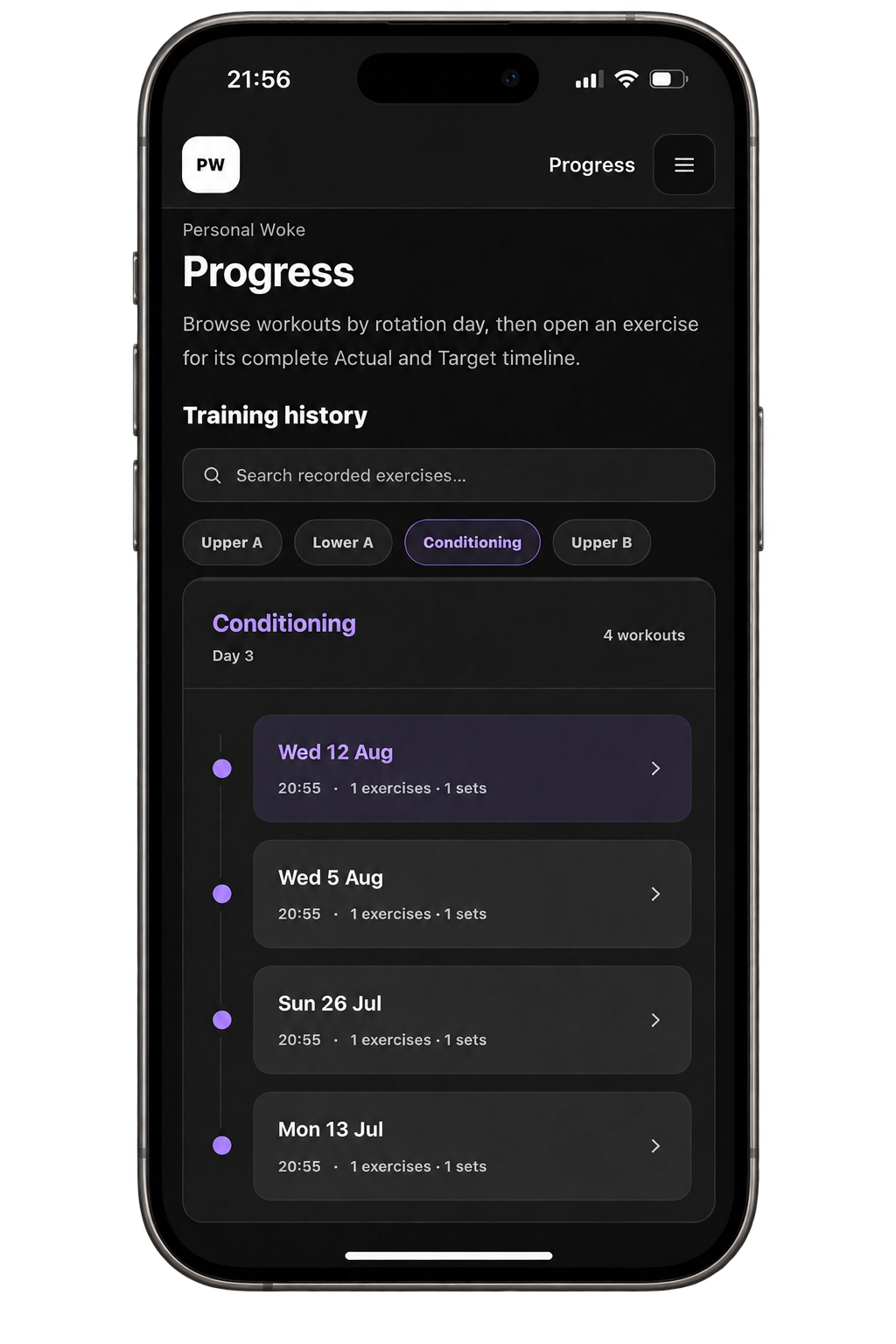
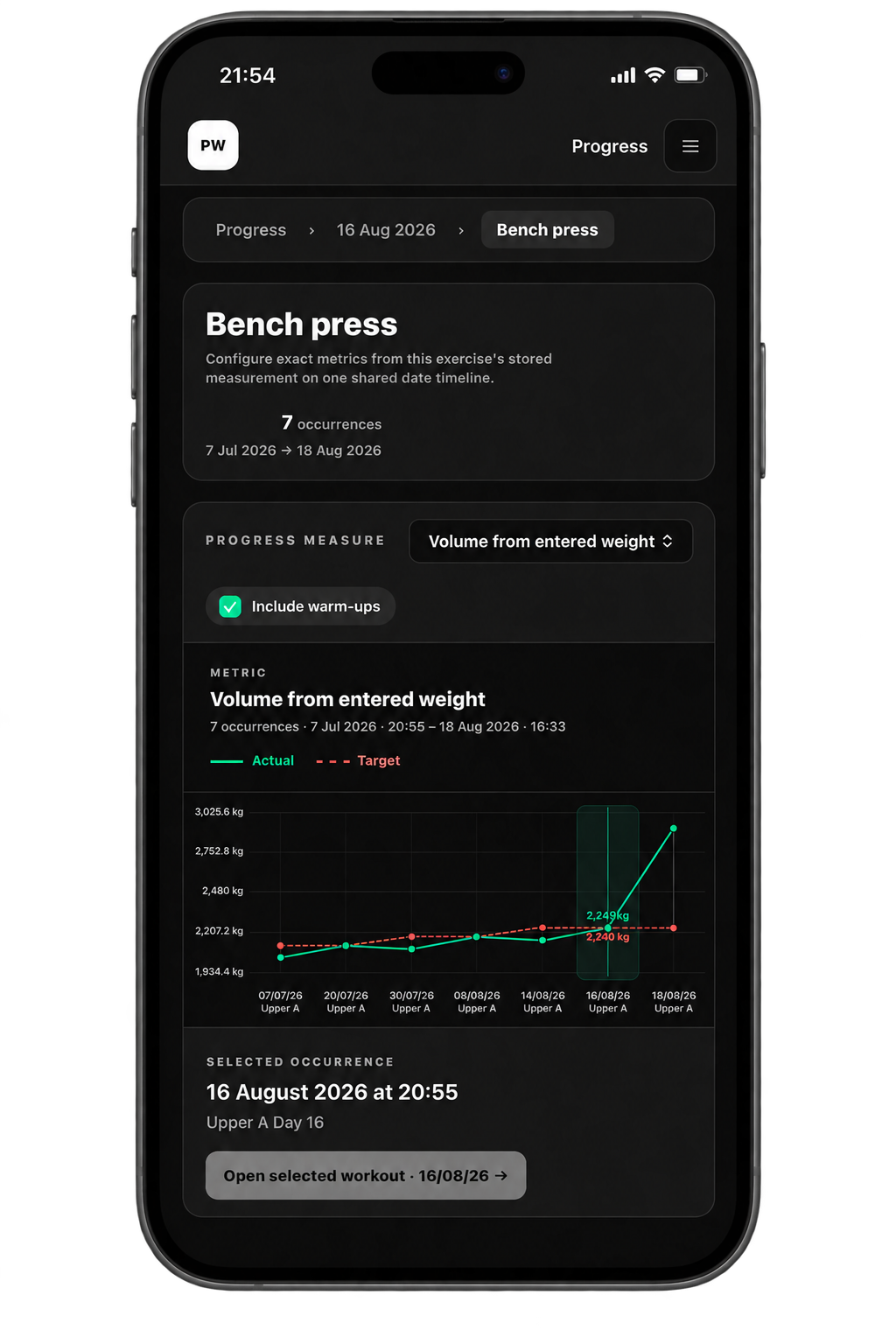
The full exercise timeline in one selected cycle
The current Training Cycle is selected first. The timeline includes every completed occurrence of the exercise in that cycle, whether it came from a planned Training Day or a free workout. Planned and free occurrences are marked so the context remains clear.
Closed cycles stay available as separate timelines. Personal Woke does not join cycles into one continuous Previous baseline, because starting a new cycle deliberately creates a new measurement period.
Progress also keeps the Tracking meaning saved with each historical workout. If an exercise definition changes later, older workouts keep the meaning they had when they were recorded instead of being reinterpreted as a different kind of load or count.
The exercise decides which metrics make sense
Choose one metric at a time from those supported by the exercise's Tracking mode. Personal Woke shows recorded values directly or uses a simple, stated calculation; it does not create a universal performance score or judge whether a result is good or bad.
How the strength metrics are calculated
Weight volume
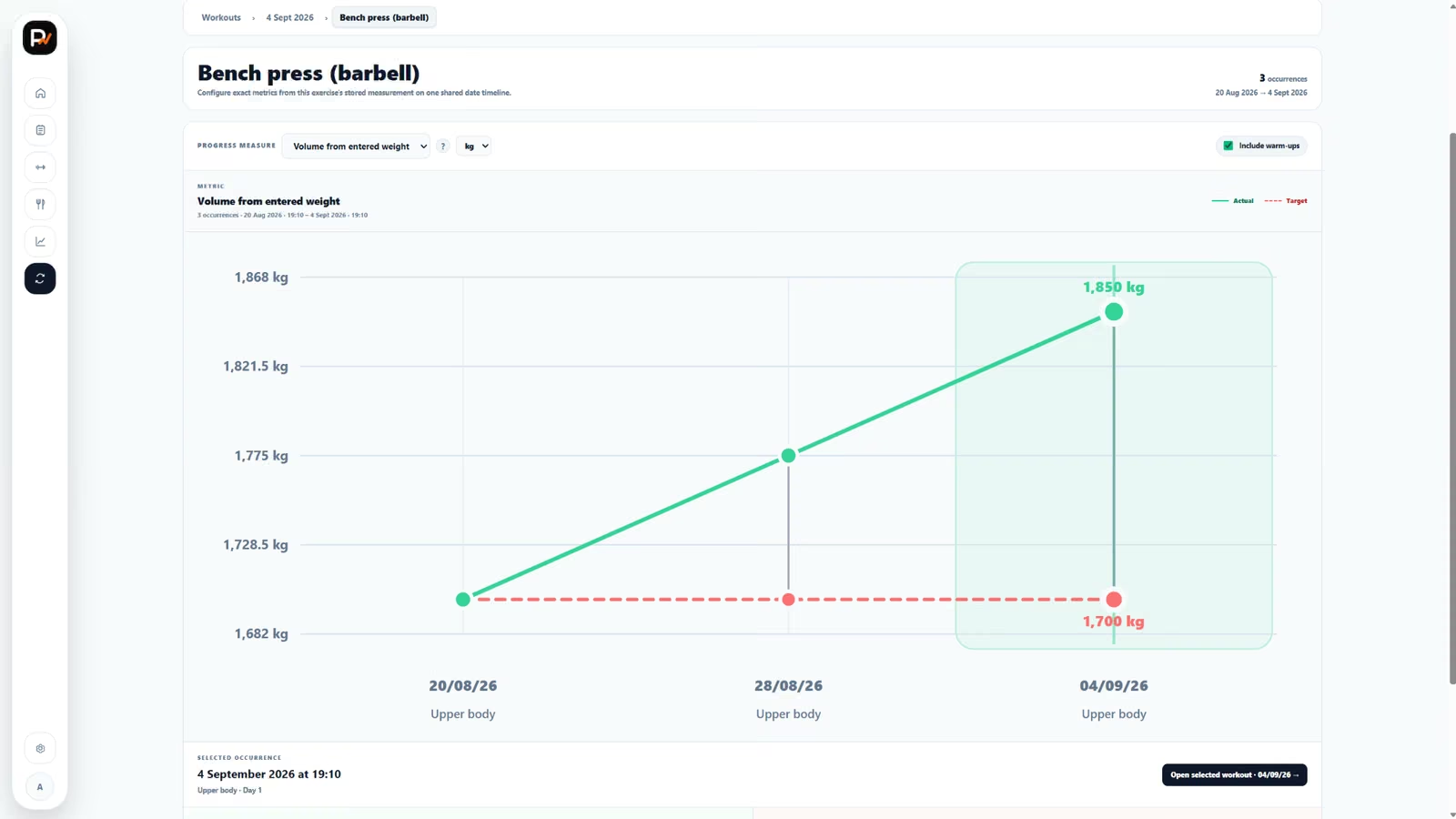
Weight volume = entered weight × completed reps for each completed set. Personal Woke adds the result from all included sets.
Example: 80 kg × 10 reps across 3 identical completed sets = 2,400 kg in the Progress display. The entered weight is used literally: Personal Woke does not double it for two dumbbells or a one-sided exercise.
Top working weight
The highest entered weight used in the included completed sets.
Total reps
The total number of repetitions completed in the included sets.
Resistance
Resistance uses the same literal load-and-repetition arithmetic, but keeps its own meaning. Resistance volume = entered resistance × completed repetitions, and you can also view the highest resistance or total repetitions. It is not relabeled as ordinary working weight.
Assistance
Assistance has the opposite load direction: lower assistance means you did more of the movement yourself. Progress therefore offers the lowest working assistance and total repetitions as separate metrics.
Steps
Steps are counted as steps, not relabeled repetitions. Progress adds the completed step counts for the occurrence.
Weight + duration
For loaded timed work, weight-time = entered weight × completed seconds for each completed set, added across the occurrence. The graph displays the result in the selected weight unit multiplied by seconds.
Open an occurrence for the exact record
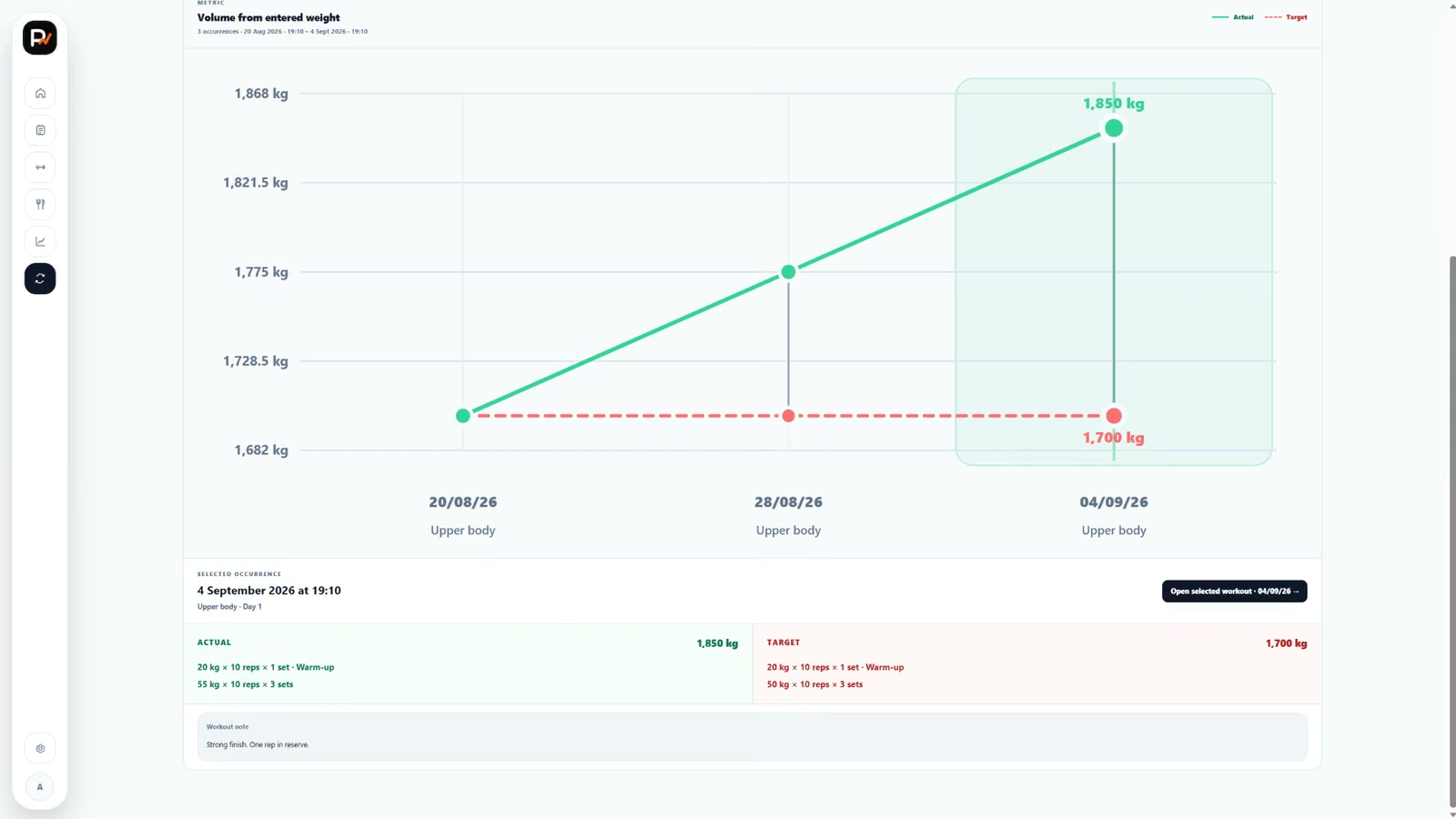
Select any occurrence on the timeline to see its date and workout, exact Actual sets, the saved Target when the workout was planned, frozen planned context, exercise note, workout note and any skip/replacement reason that belongs to that occurrence. The record also shows whether the exercise was planned, added or part of a free workout.
Skipped, replaced and added exercises remain explicit. A replacement never donates its result to the exercise it replaced, and an exercise that was not completed does not become a fabricated zero.
Warm-ups and extra working sets
Include warm-ups is on by default where warm-up sets exist. Turn it off to calculate from working sets only.
Extra working sets are always included when they contain the values required by the selected metric. They are work you completed, even though they were not part of the original Target.
Distance and average pace
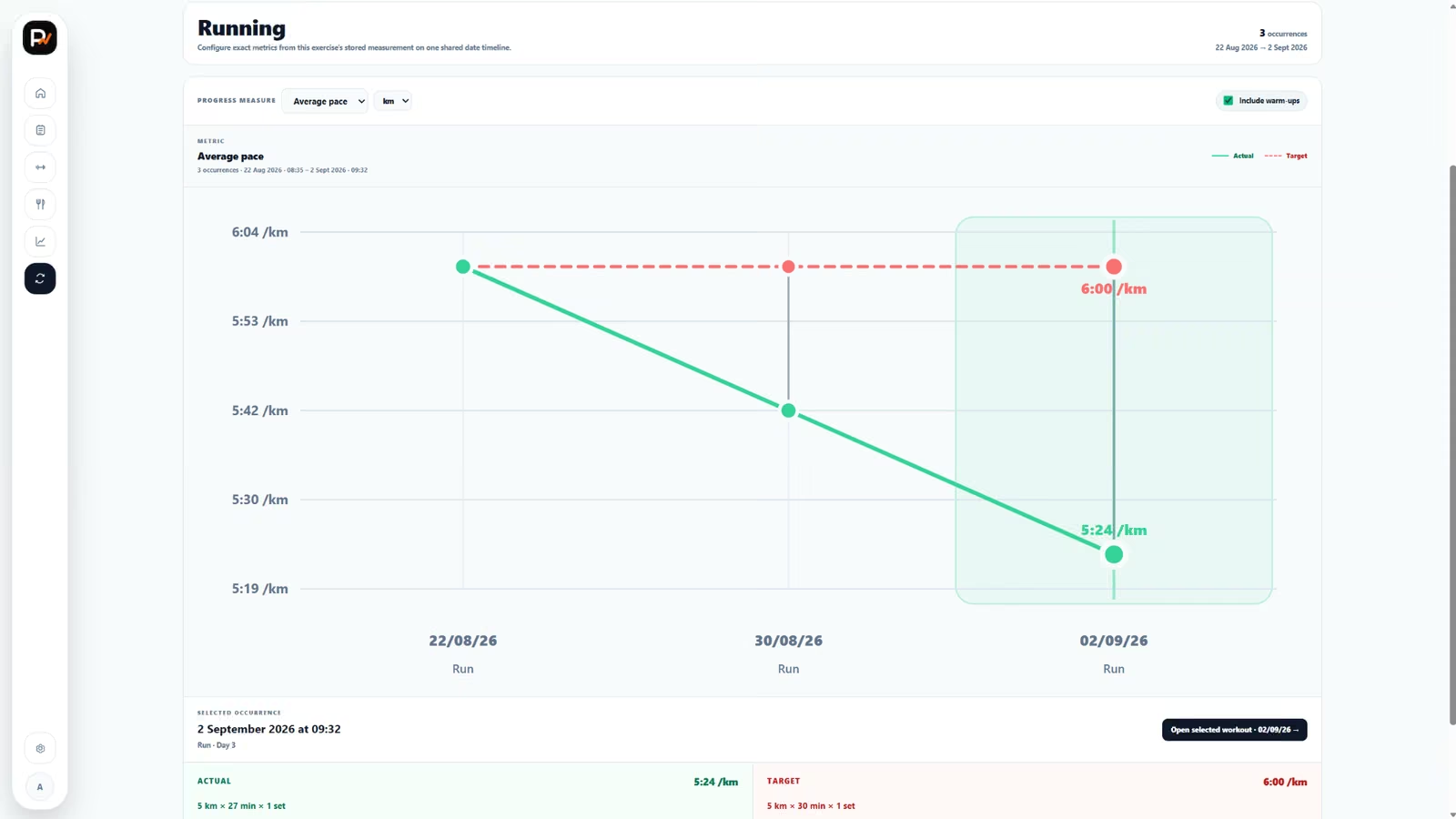
Total distance adds the completed distances after converting their units consistently. Average pace uses the total completed duration and total completed distance for the occurrence.
Average pace = total completed time ÷ total completed distance.
Different exercise identities keep different histories
A Standard exercise, your personal variation and a separate personal exercise each have their own timeline. Even similar exercises are not converted into one equivalent score.
Related: Exercise identities and variations · What appears in history? · Why is a point missing?